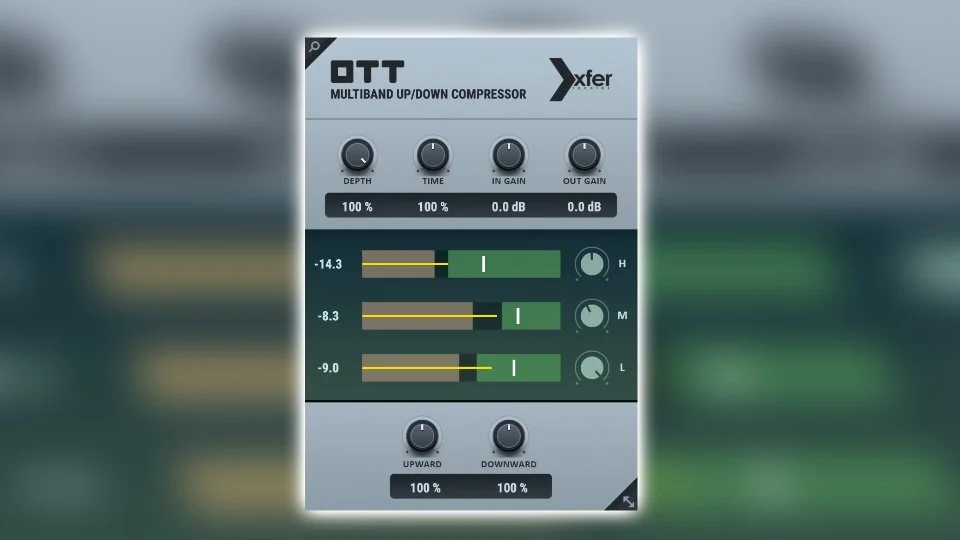
If you have ever wondered how modern electronic tracks get that hyper-bright, in-your-face sound, there is a high probability a small gray plugin called OTT is doing the heavy lifting.
Originally created by Steve Duda of Xfer Records, OTT was built to replicate a preset in Ableton Live's Multiband Dynamics called "Over The Top." It moved from a DAW-specific trick to a cross-platform standard in producer workflows.
What makes OTT so special?
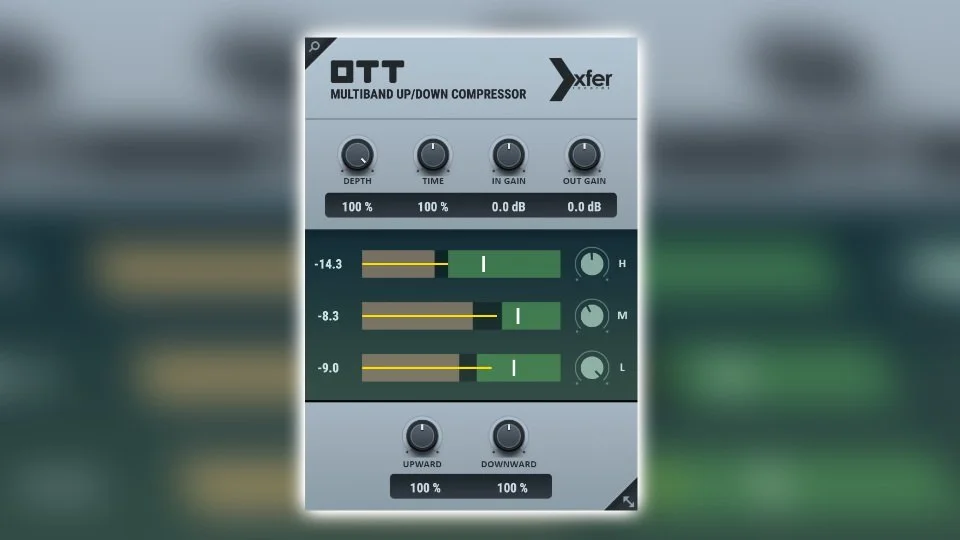
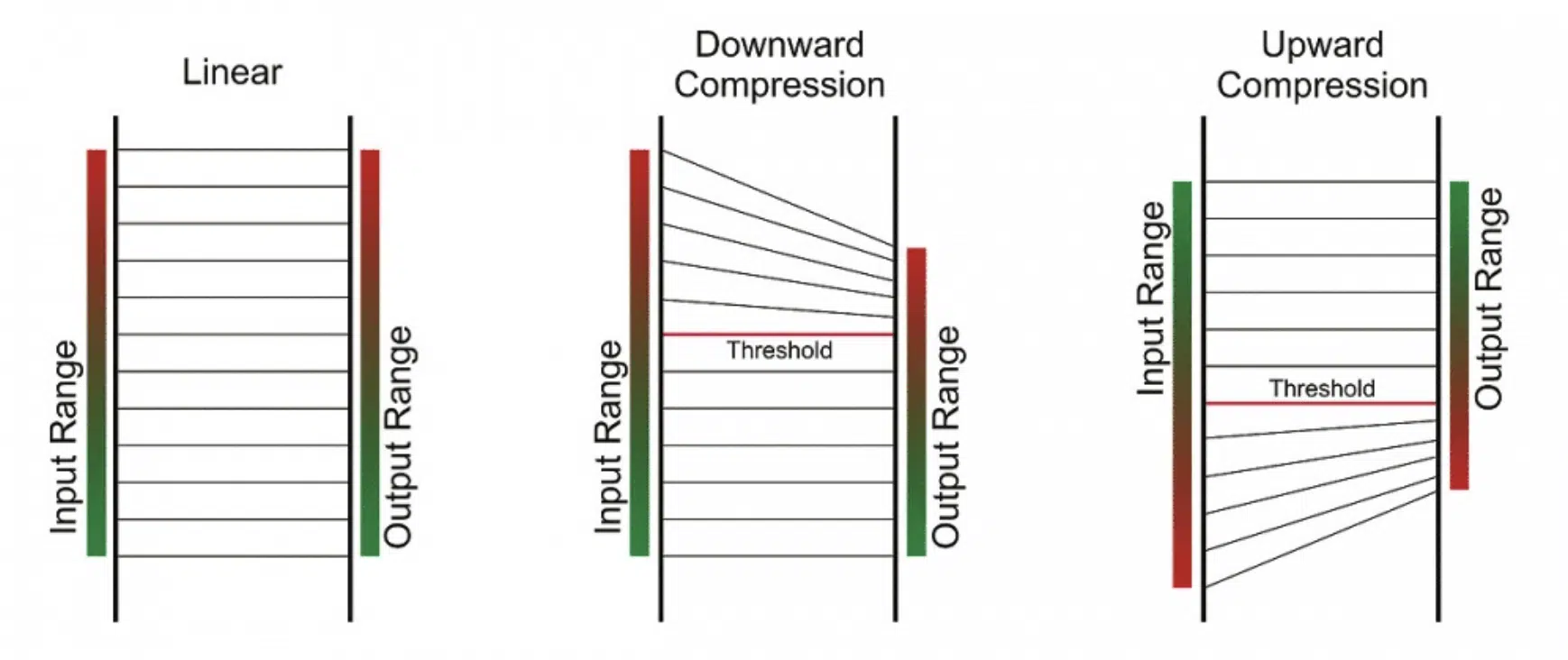
Most compressors simply turn loud sounds down. OTT is a multiband upward/downward compressor, which means it works from both directions at once. It pulls quiet details up and pushes loud peaks down across low, mid, and high frequency bands.
The result is a signal that feels louder, more controlled, and more tonally even. It is also very easy to overdo, which is exactly why it became iconic in aggressive electronic genres.
Key features and functions
| Feature | Description |
|---|---|
| Three-band processing | Splits audio into low, mid, and high bands for tighter tonal control. |
| Up/down compression | Boosts low-level detail while taming peaks for a hyped, dense sound. |
| Simplified interface | Keeps decisions focused on Depth, Time, and per-band gain controls. |
| Universal compatibility | Available as VST, AU, and AAX on Windows and macOS. |
How to use it without ruining your mix
Because OTT is aggressive, small moves matter more than big moves.
- Synth leads: great for making leads feel wider, brighter, and more electric.
- Drums: useful for pulling out snare tails and room character on drum buses.
- Sound design: ideal for metallic and complex bass textures.
- Master bus: use carefully; many producers keep
Depthbetween 5 and 15 percent.
Practical starting points
- Start with
Deptharound 20 to 40 percent. - Match output level so louder is not fooling your ears.
- Use the bypass button often while adjusting.
- If it sounds brittle, back off
Depthbefore touching anything else.
Pro tip: OTT at 100 percent often sounds choked. Try 20 to 40 percent first to keep the character without flattening your source.
Where to get it
The best part is that it is free. Download it from the official Xfer Records page:
No serial key or paid license is required. Install it, drop it on a channel, and dial in tastefully.